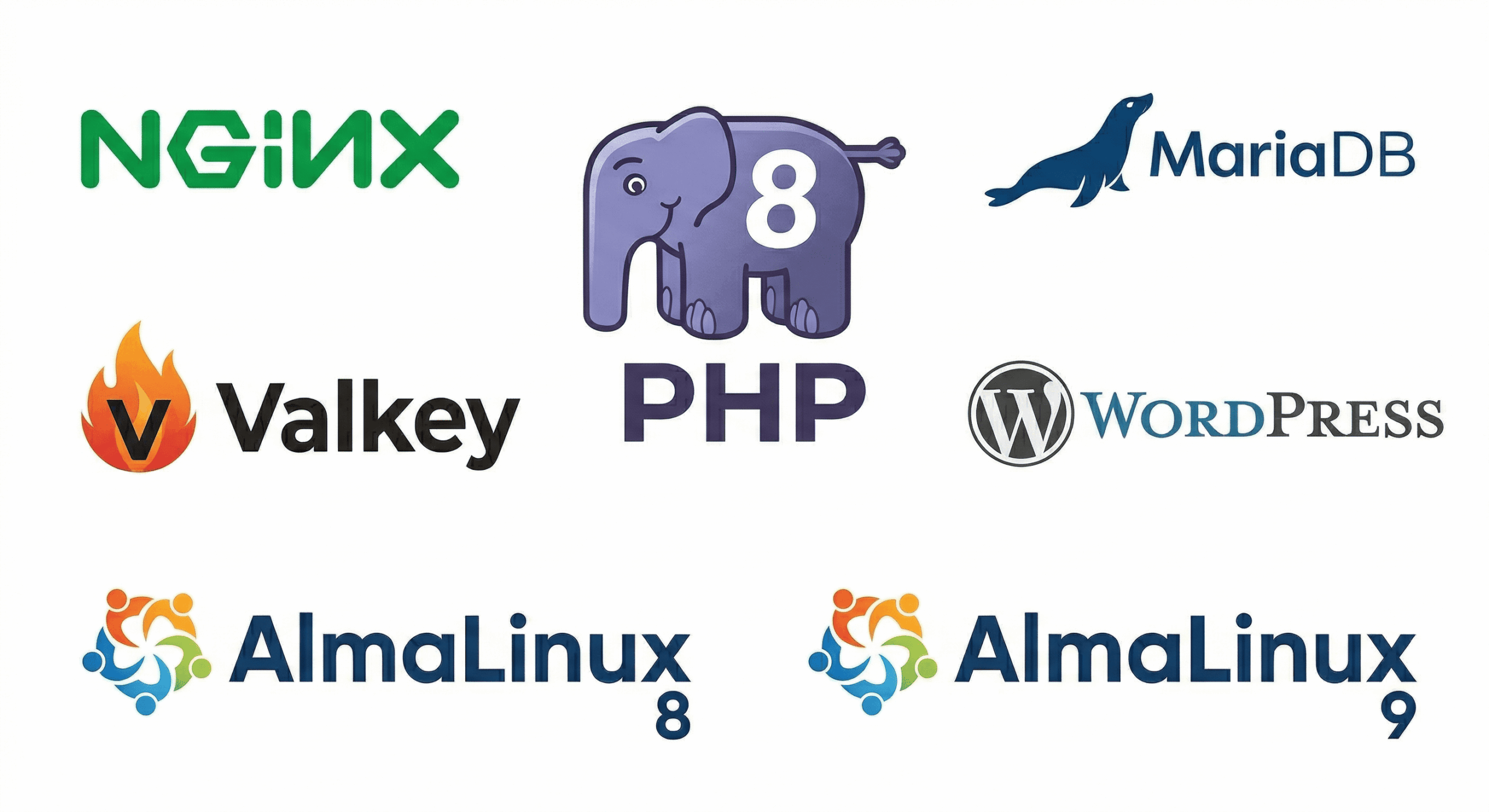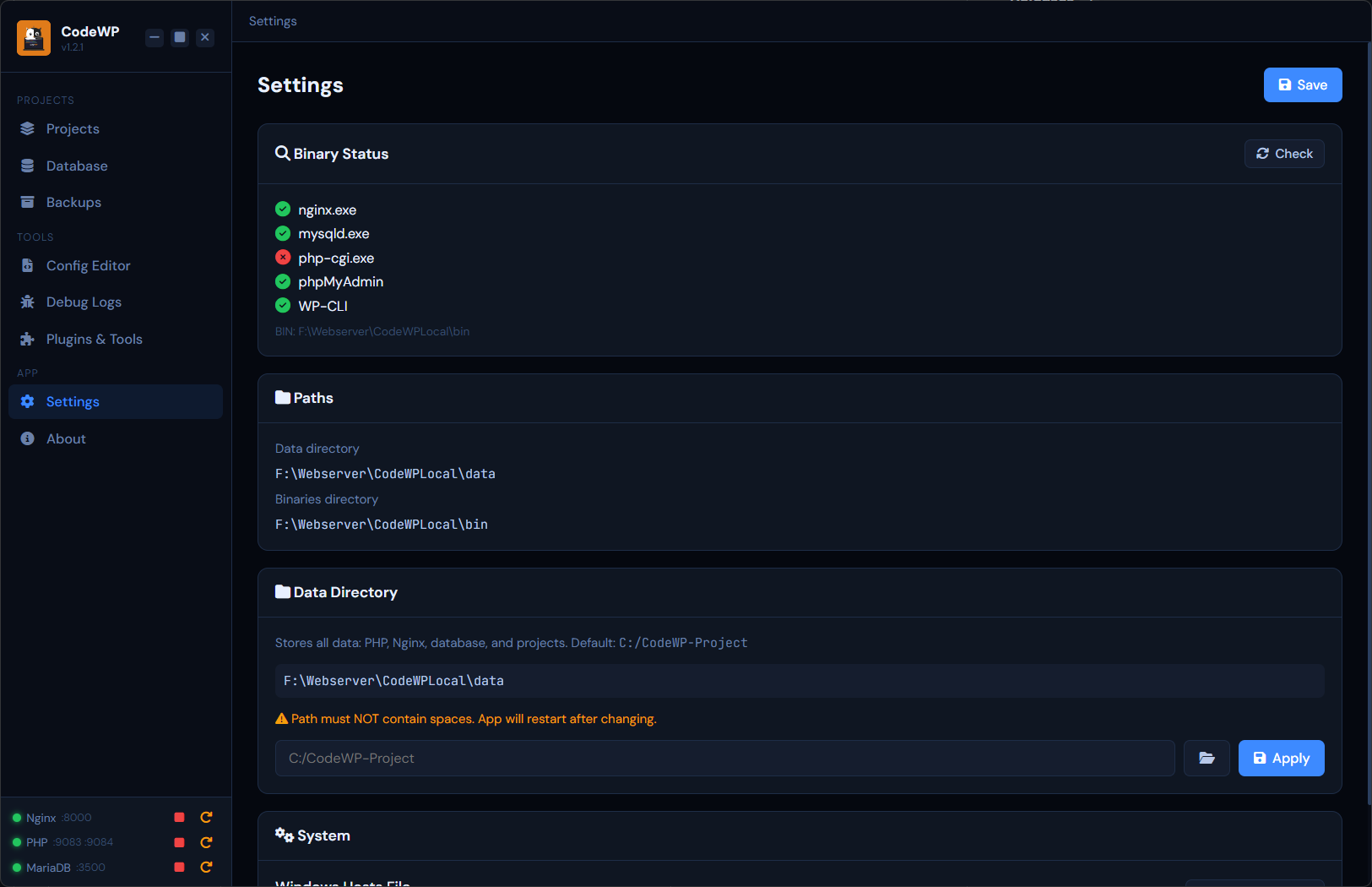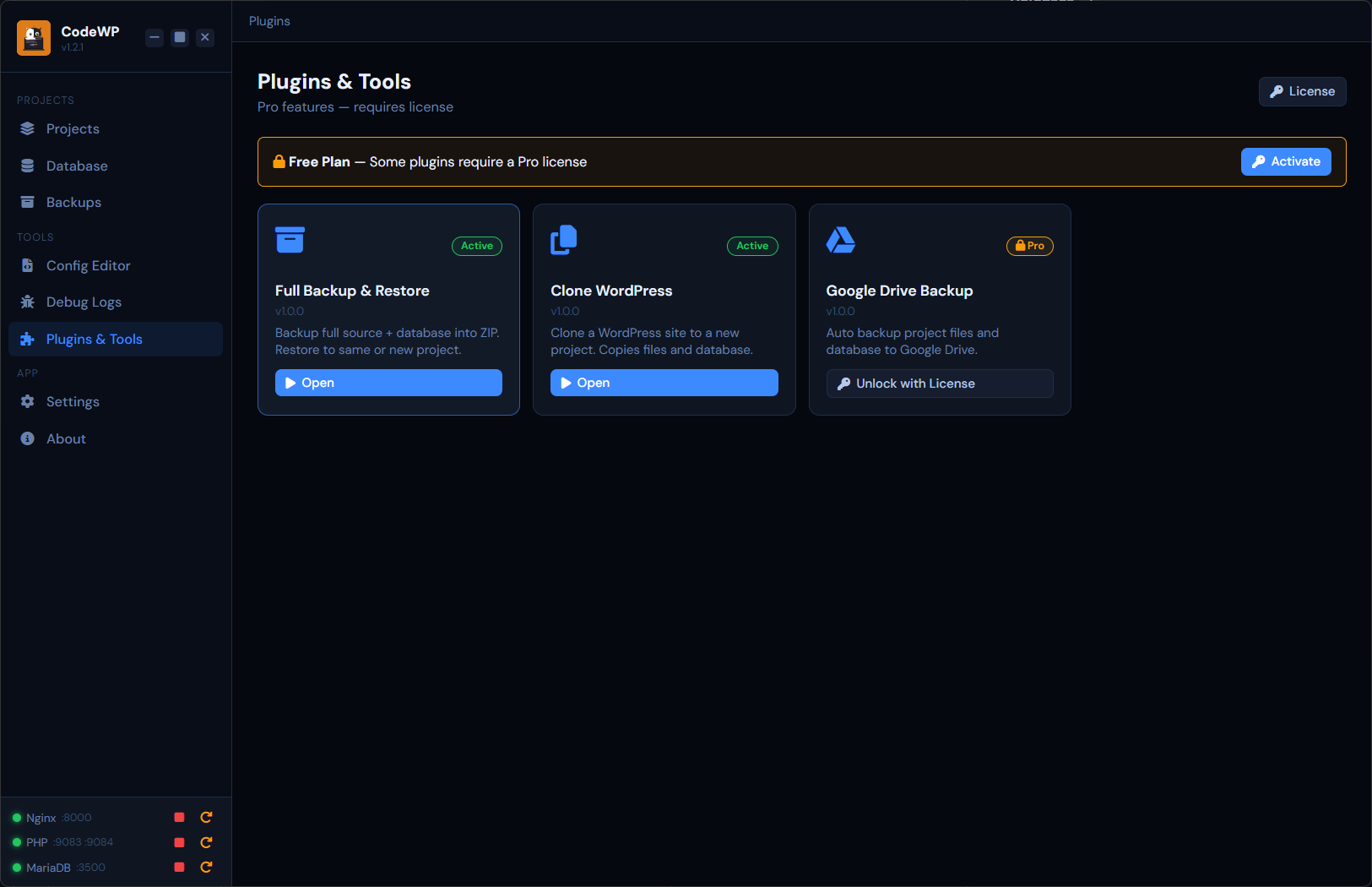
A desktop application for running WordPress, Laravel 13, and PHP-based websites locally on Windows — no technical expertise required. Bundled with Nginx, PHP 8.3/8.4, MariaDB & phpMyAdmin.
Thirteen production-ready features, all bundled into a single installer. No Docker, no WSL hassle, no hidden paywalls.
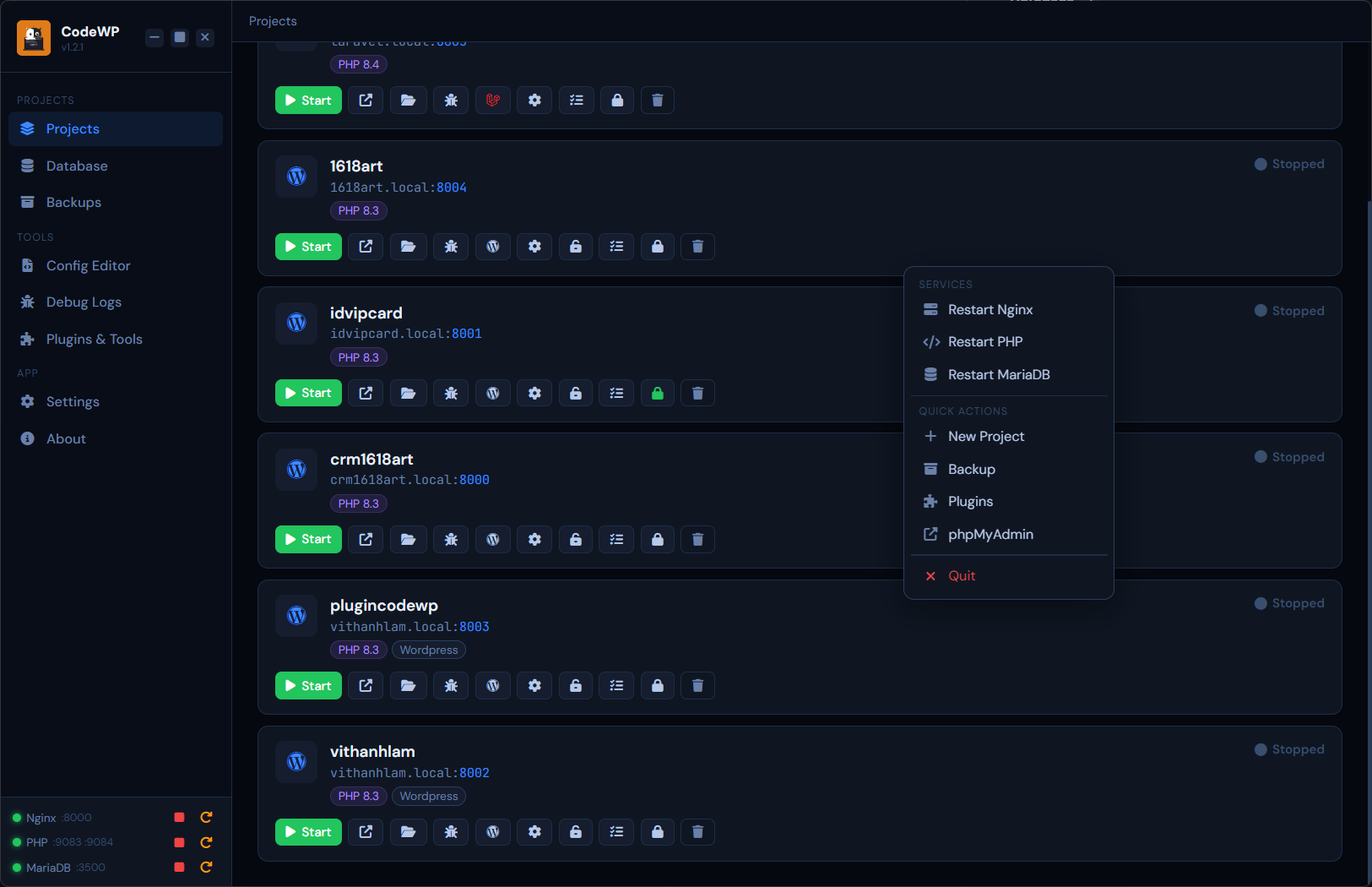
Run unlimited projects simultaneously on different ports. No conflicts, no virtual hosts to configure by hand.
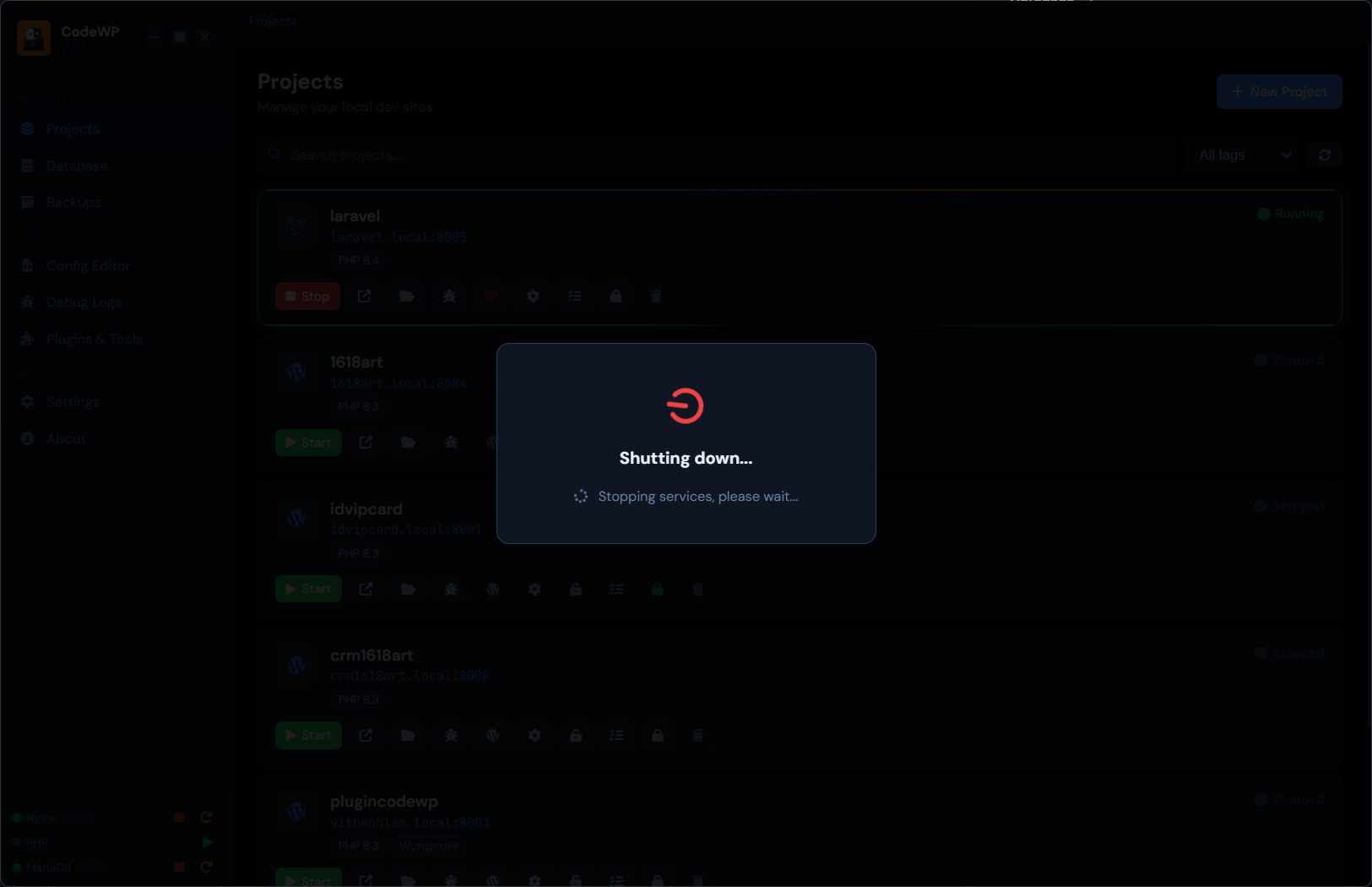
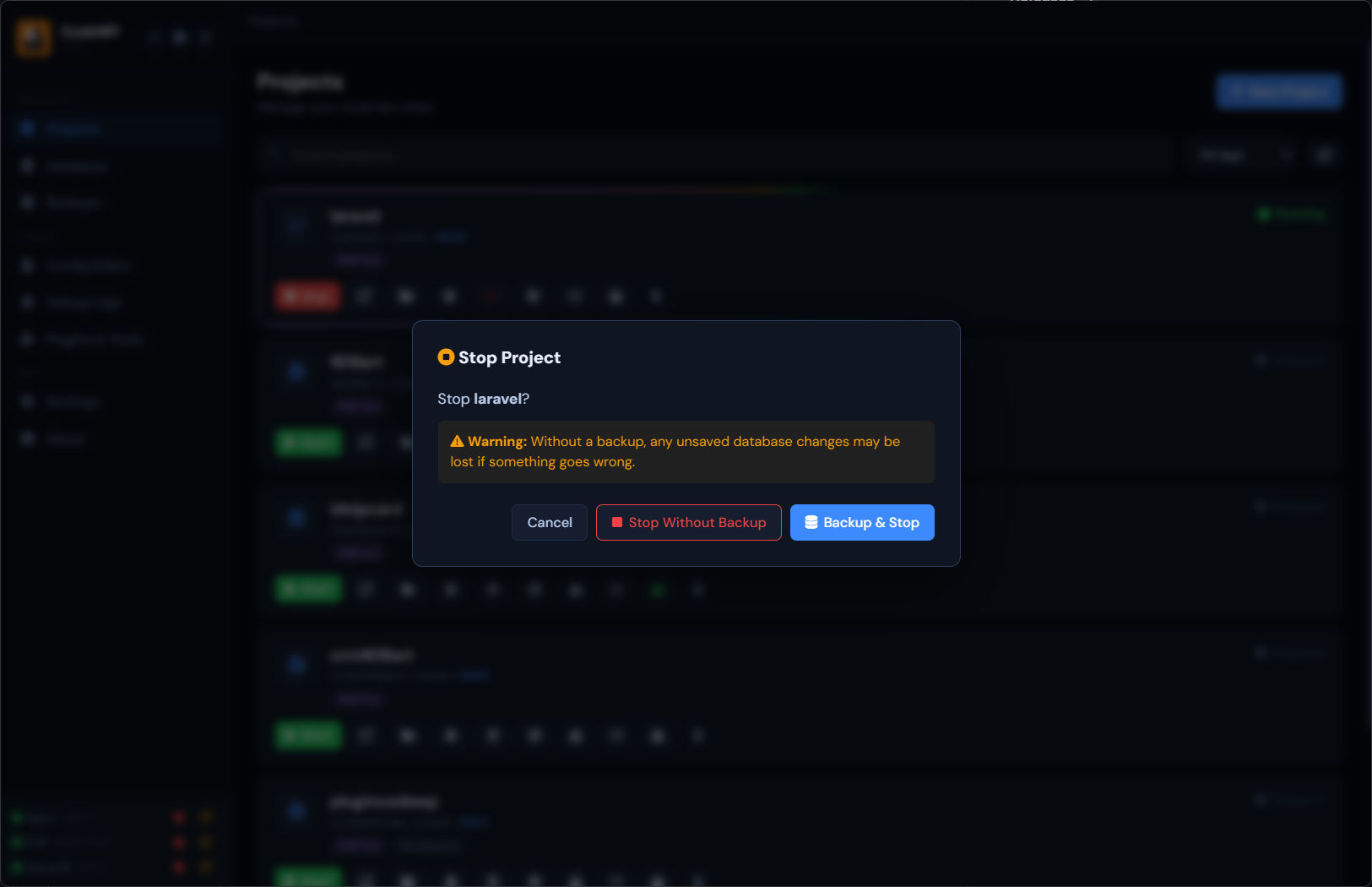
Spin up Nginx, PHP-FPM and MariaDB instantly. Graceful shutdown with proper cleanup — every time.
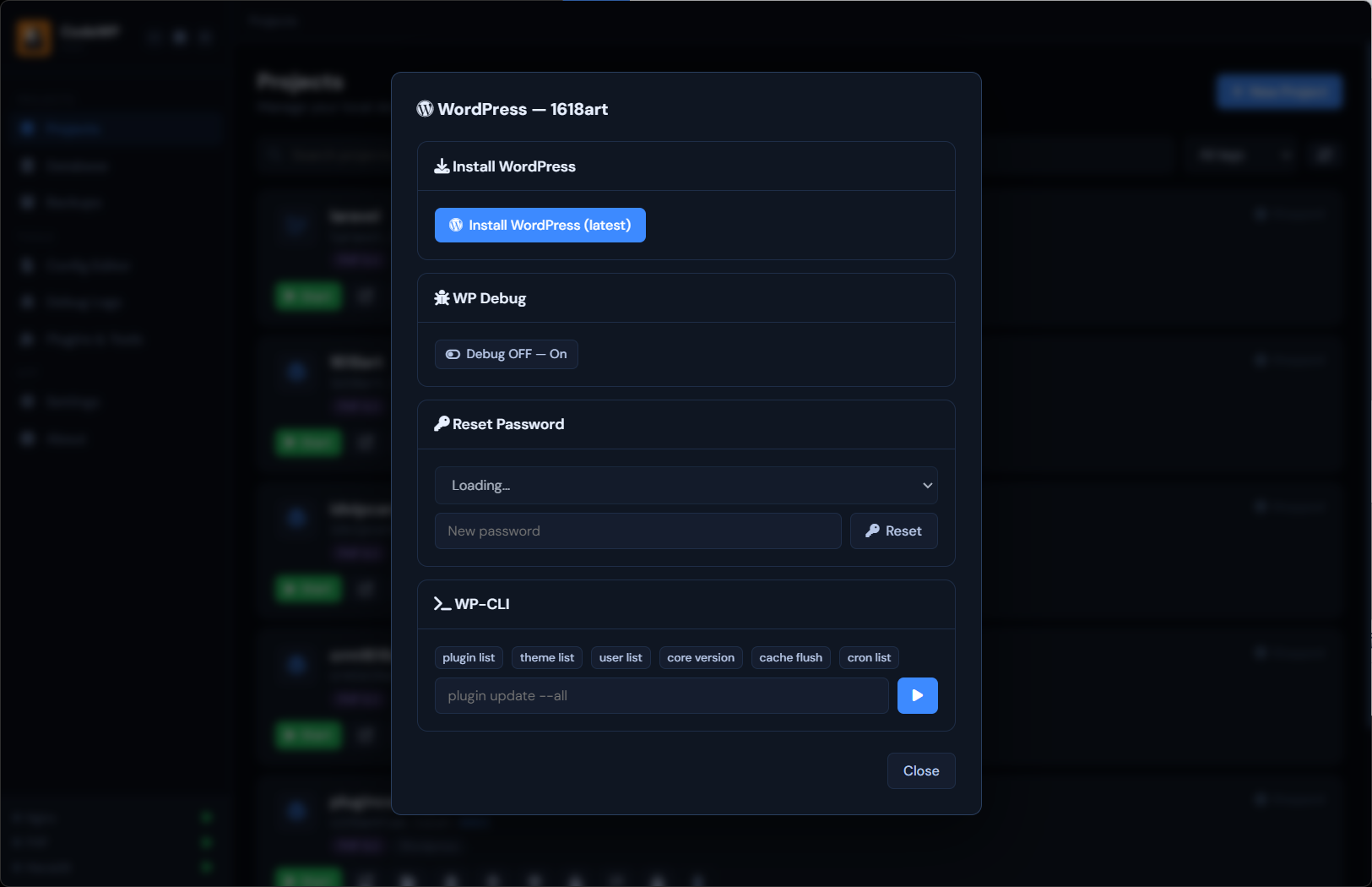
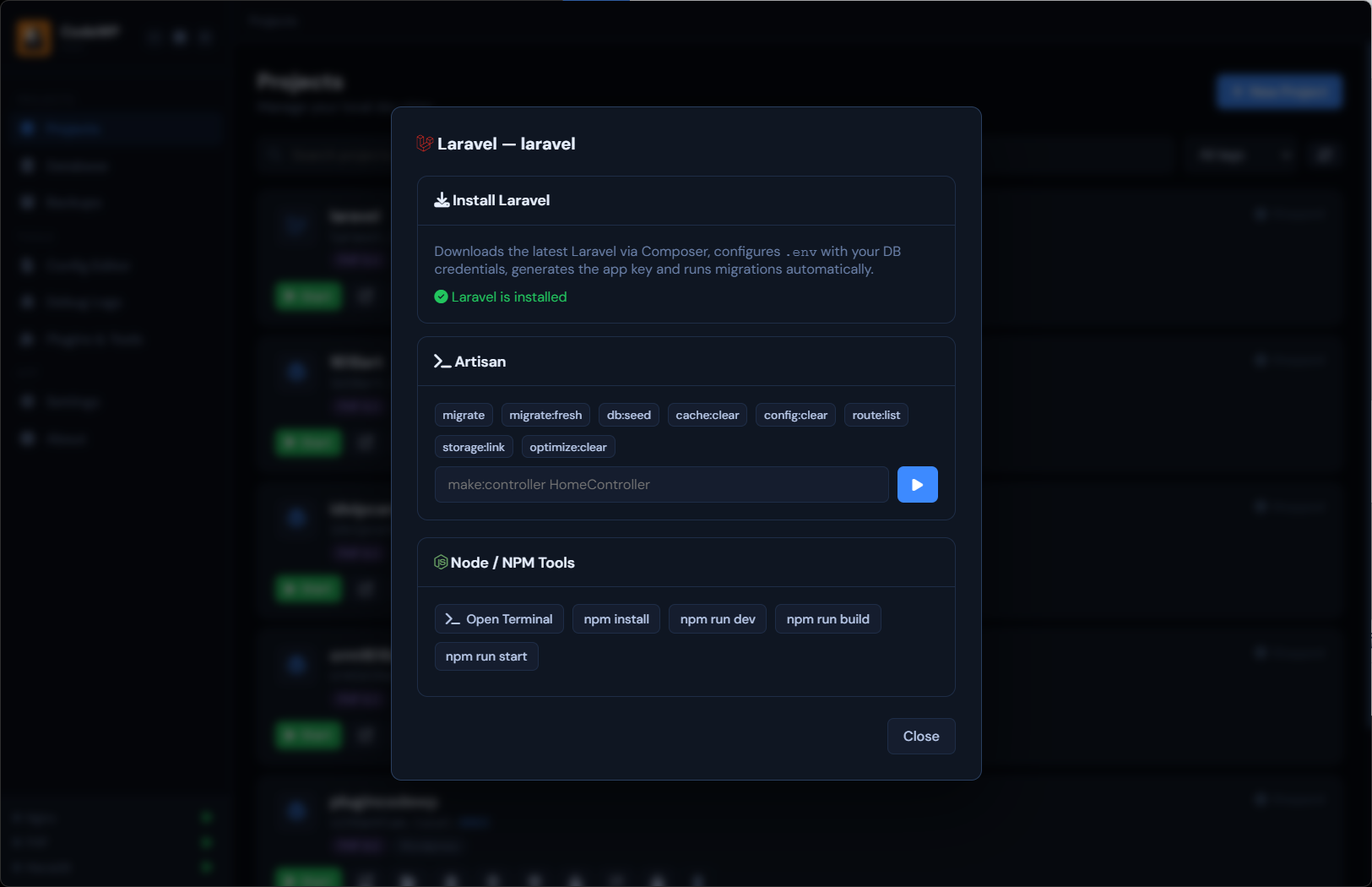
Install a fresh WordPress or Laravel 13 app with a single click. Database, config and admin user — done.
Run npm start, run, build — right inside the app. No context switching.
Full WordPress CLI baked in. Manage plugins, users, posts and database operations from the terminal.
Nginx, PHP, MariaDB and WordPress logs — streamed in one pane. Hunt bugs without hopping between files.
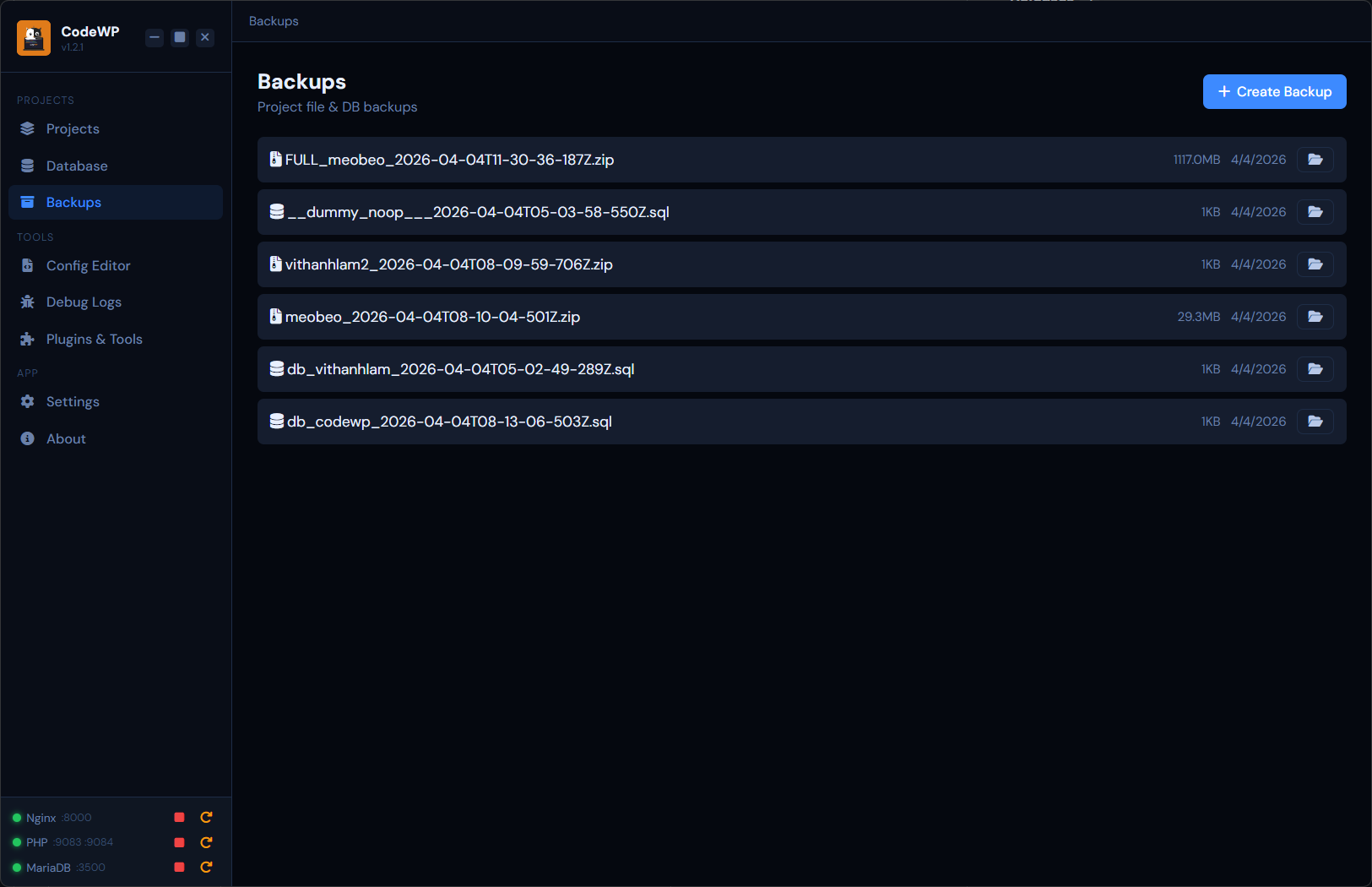
Archive code + database into a single ZIP. Move between machines, share with a client, or keep a cold copy.
Duplicate any WordPress project — URLs in database automatically replaced. Ready to run in seconds.
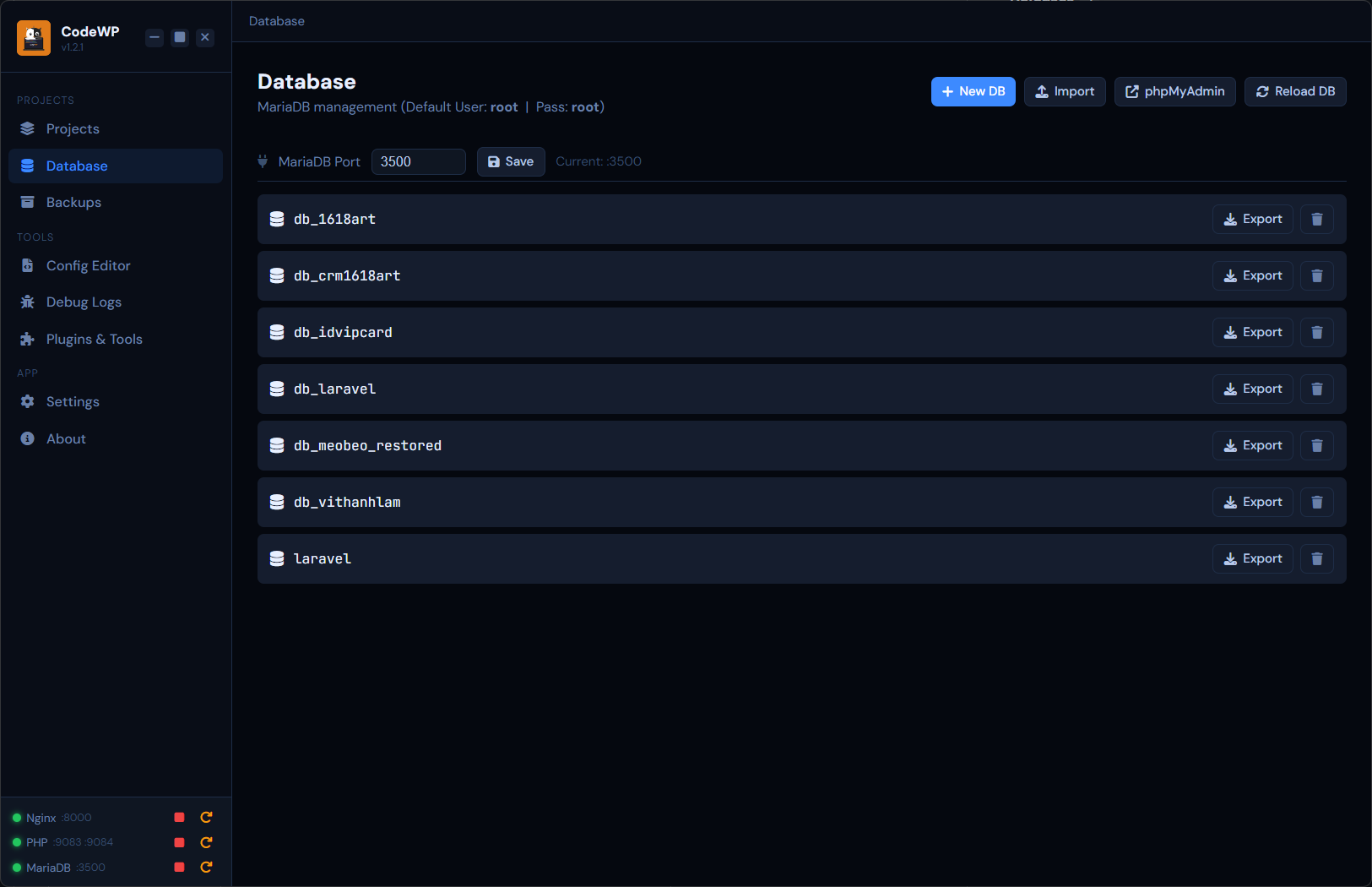
Built-in phpMyAdmin + a lightweight internal viewer. Create, import, export DBs without leaving the app.
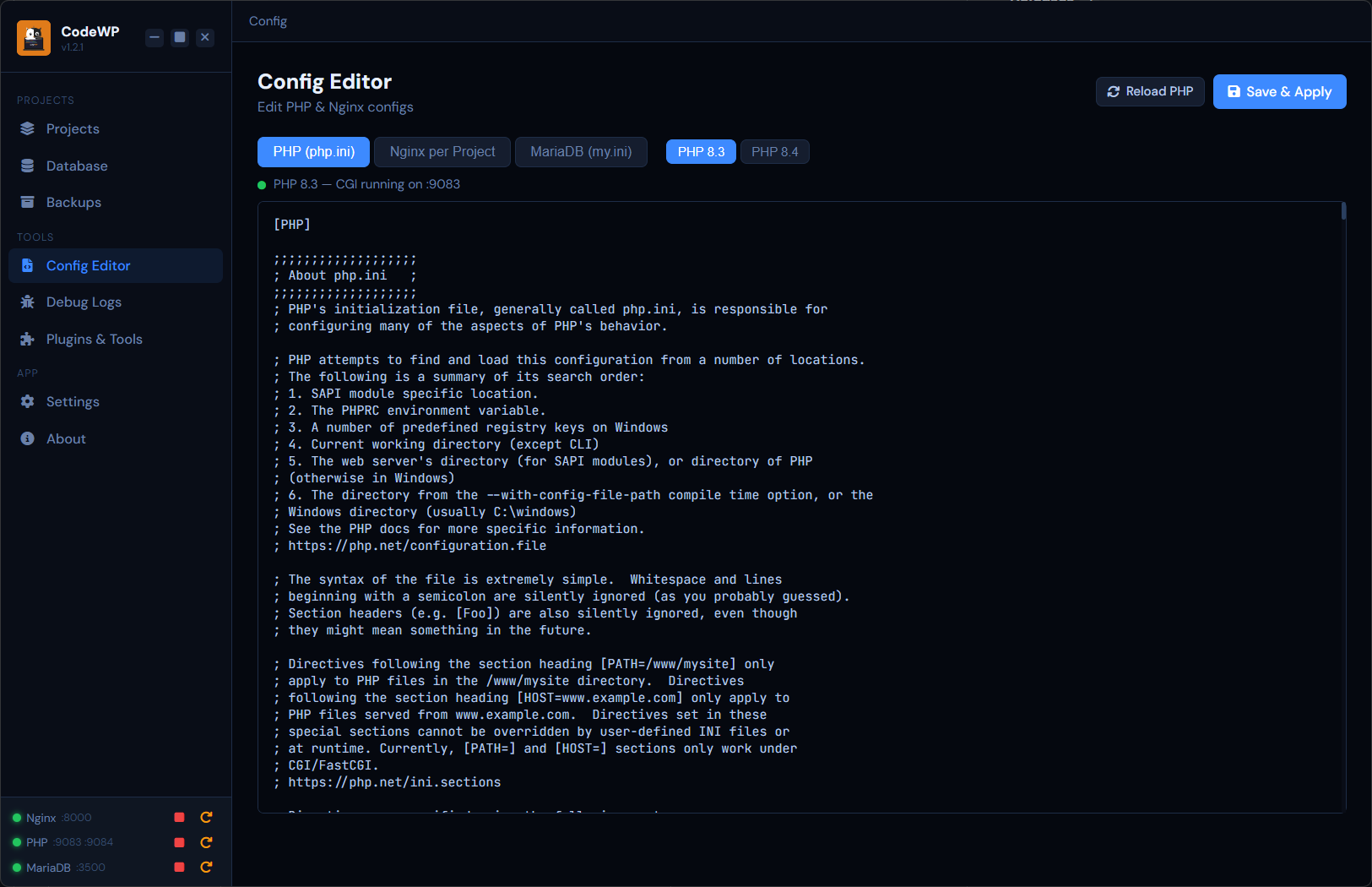
Tune php.ini and Nginx configs in a syntax-aware editor. Restart in a click to apply.
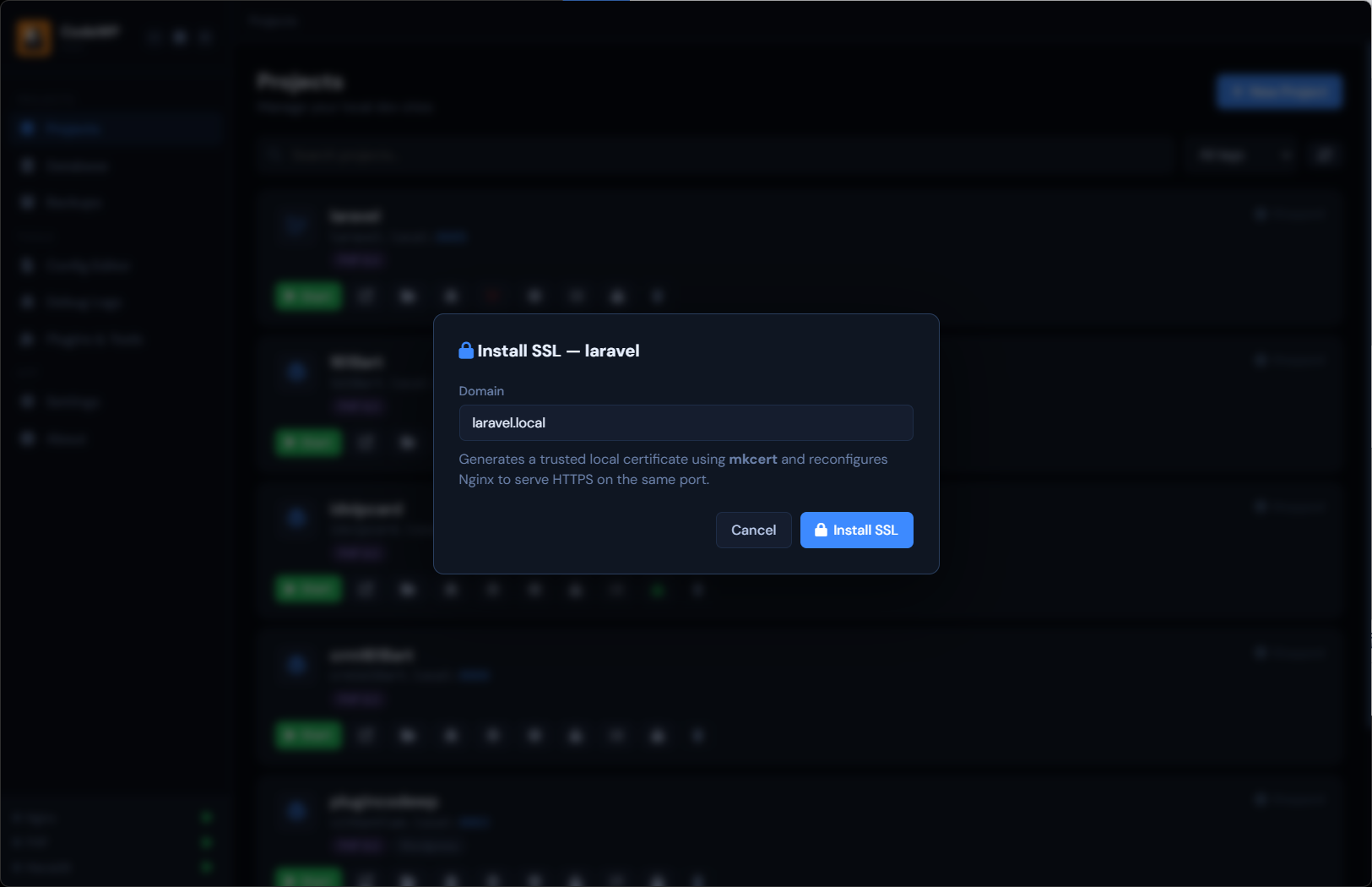
Real HTTPS locally. One click to generate and trust a cert — browsers stay happy, no warnings.
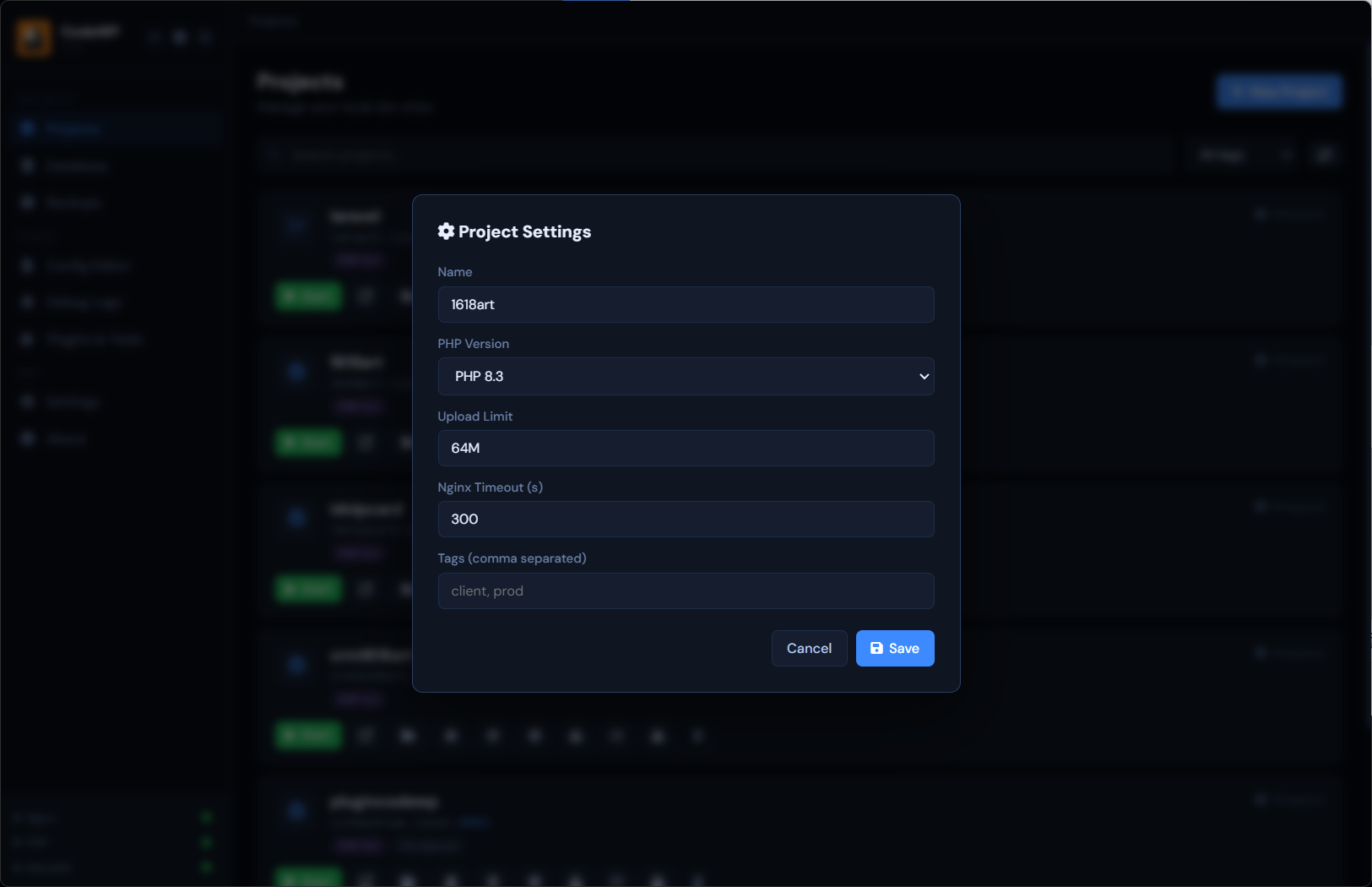
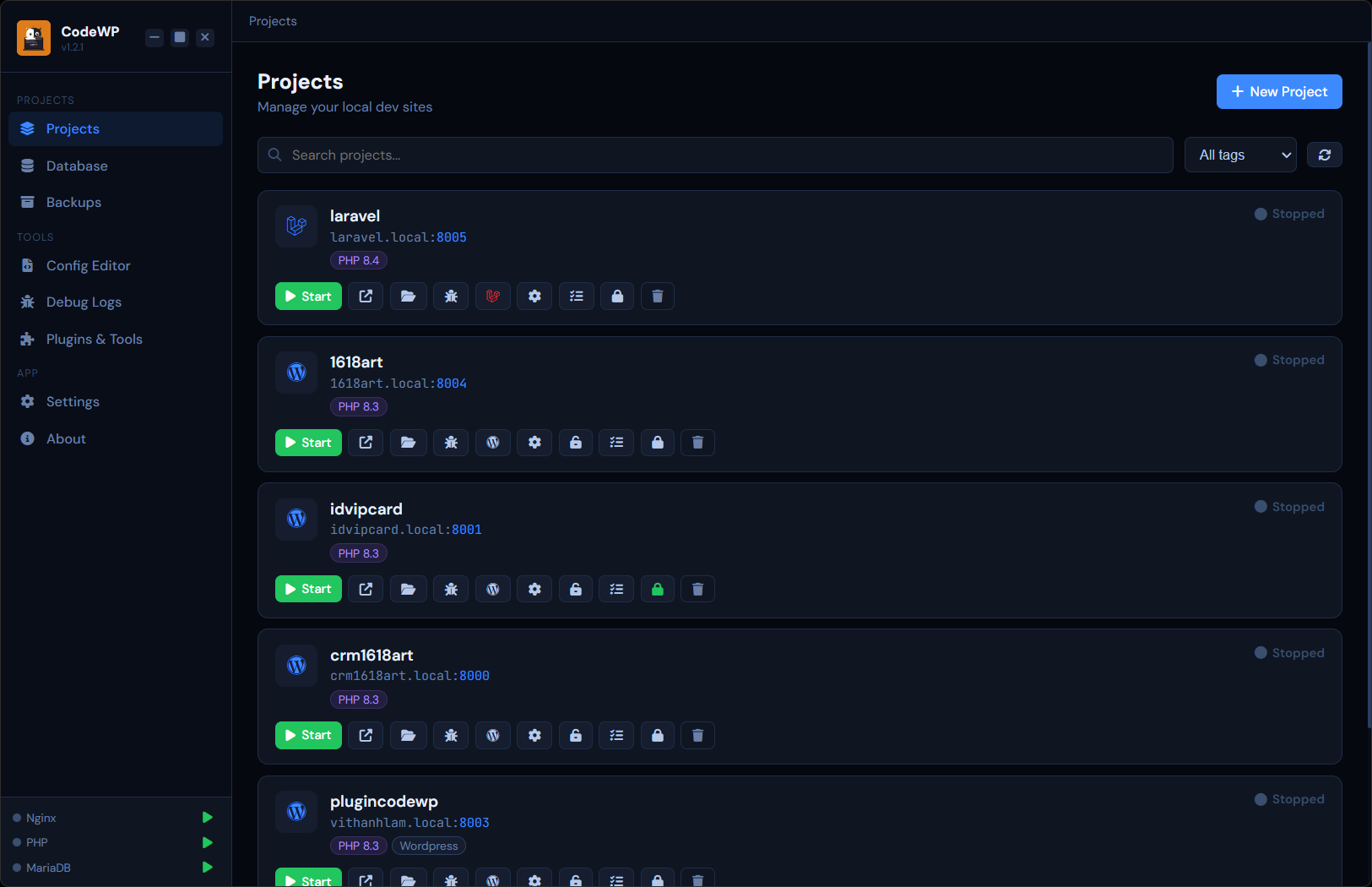
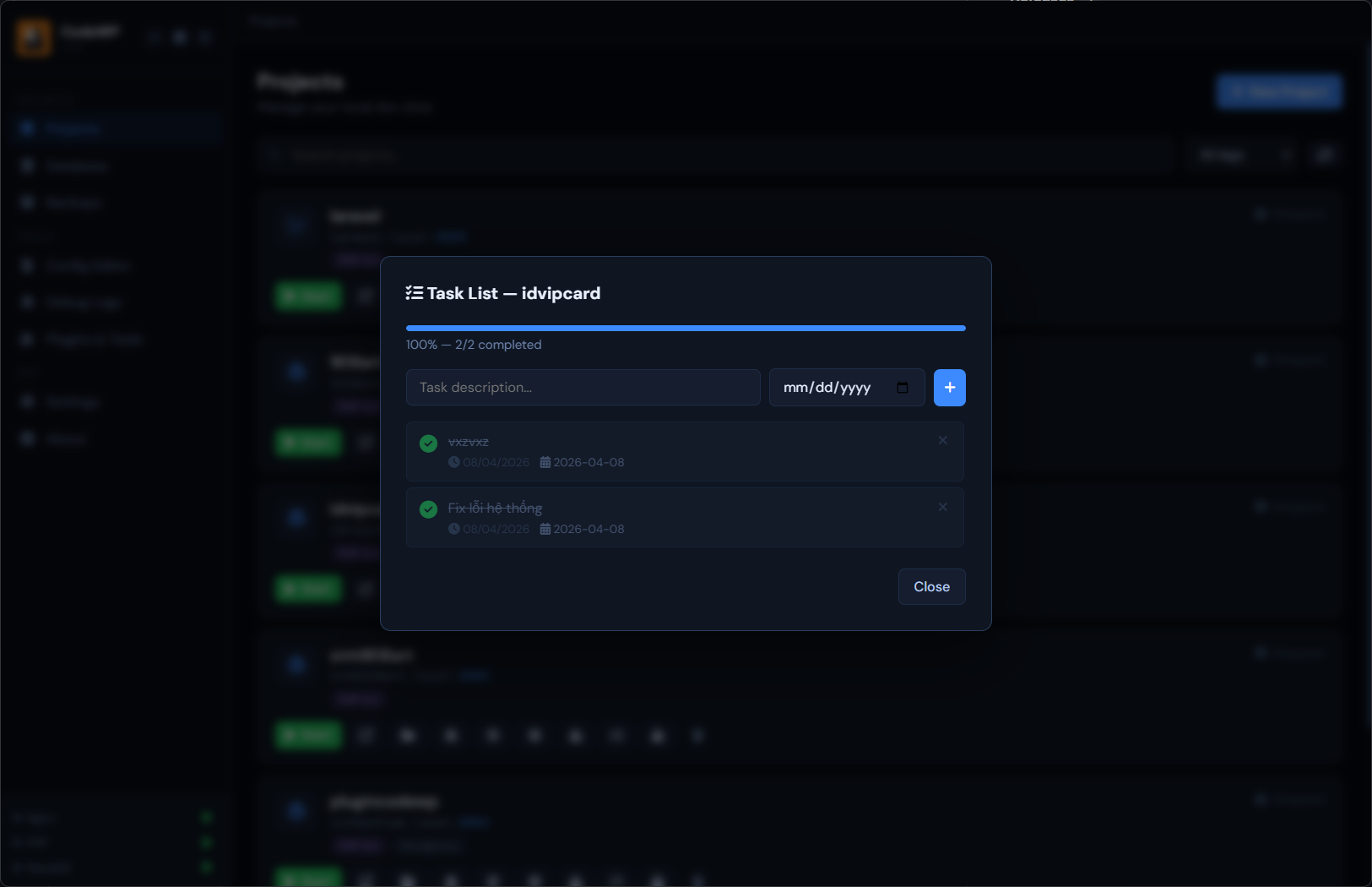
Tag projects by client, stack or status. Filter-search through dozens of sites instantly.
A power-user expansion for teams, agencies & freelancers who need cloud parity. No waitlist yet — just stay tuned.
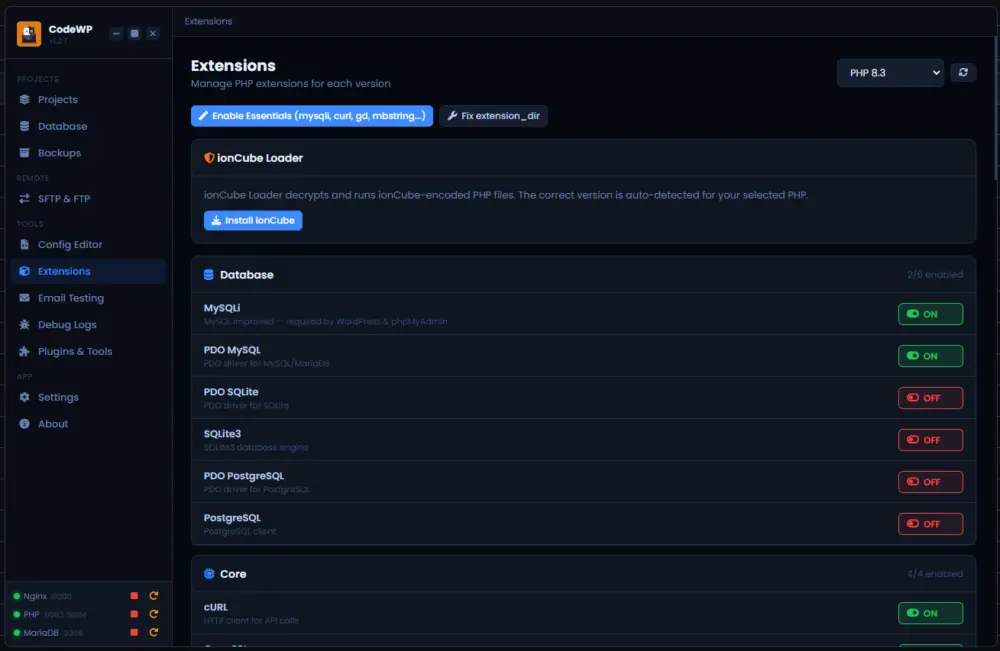
Every pixel designed for Windows developers. Dark-first, distraction-free, and tuned for long coding sessions.
See every local site at a glance — status, PHP version, ports and tags. Start, stop, clone or backup any project in a single click.
Designed to stay light on disk and RAM. No hypervisor, no Docker Desktop, no virtualization overhead.
No CLI incantations. No YAML. Install the app, click a few buttons, start building.
Pick a folder outside of C:, with no spaces and no special characters. CodeWP Local does the rest.
Click New Project → Start, then visit yoursite.local:8000 in your browser.
Use the one-click installer for WordPress or Laravel 13 — or import your own existing codebase.
We ship small, focused releases. Every entry below is battle-tested and live.